Getting started
A HopWarden sensor sits at one site and reports what it sees. You add it to your fleet once; after that it just runs. There are two ways to add one.
Add a software sensor
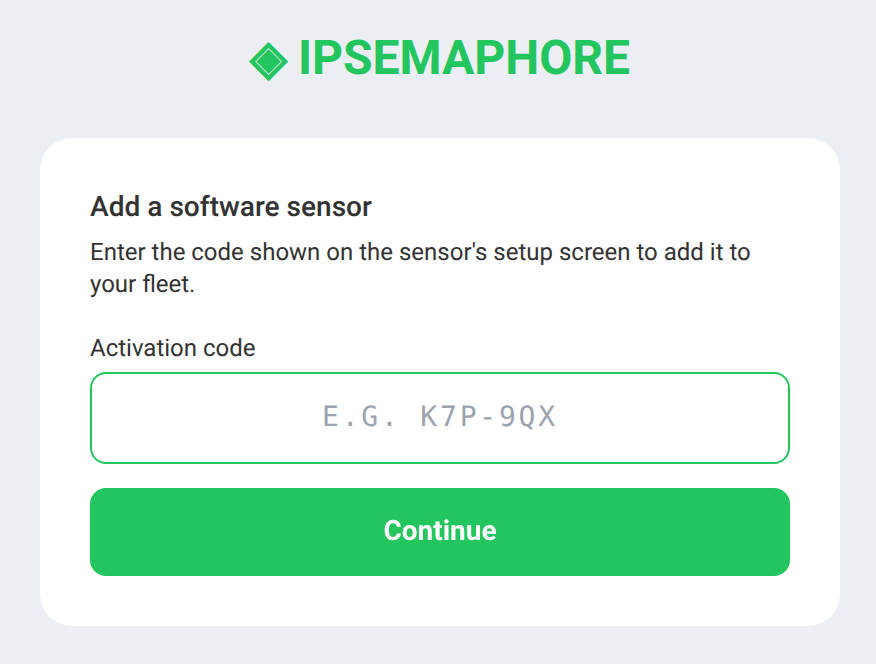
The software sensor runs on a Windows machine already at the site. On its setup screen it shows a short activation code. In your account, choose Add a software sensor, type the code, and press Continue - the sensor joins your fleet.
Register a hardware device
Hardware units ship with a sticker QR code. Scan it with your phone (or open the printed link) and it lands on the registration page with the device already identified. Confirm, give it a name and a site, and it is claimed to your account.
Tip: scan the QR directly rather than typing the link by hand - the registration page validates the MAC and token lengths and will reject a mistyped URL, because copy/paste often drops characters.